Thrustmaster TCA
 Setup the TCA TQ and use Multiple Axis with the A320
 Setting up the TCA TQ plus Add On to work with the AS CRJ
 TCA TQ with Addon - FlyByWire A32NX
 FFX/MG HJet TCA TQ + Addon Configuration
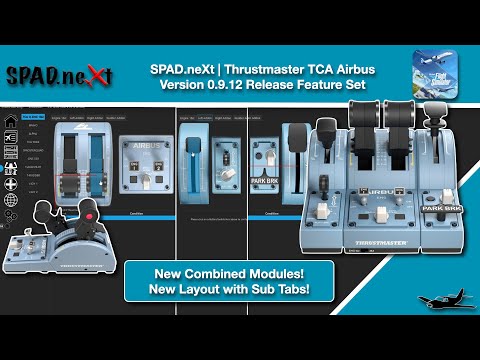 TCA TQ+Addon New Layout Overview
In this Video we delve into the Thrustmaster TCA Airbus 320 TQ with Add ONs and configure a complete setup for the PMDG 737 Series! Don't worry the Snippet is available now so you can download and fly in just a couple of minutes!!
 PMDG 737 TCA TQ + Addons
Plenty of Jets have Throttle FADEC Detents! Let's use Multiple Custom Axis to map these into custom ranges on the Throttle Axis! This method would work for any Throttle since it does not rely on the TCA TQ's Virtual Detent Buttons!
 Throttle FADEC Detents via Multiple Custom Axis
 ATR - 600 Full TCA TQ with Addons
For the First Device Tutorial Regarding the PMDG 777 I decided to use an Airbus Setup :). The TCA Airbus Captains Pack! This is just what happens to be at my desk vs in the main simulator.
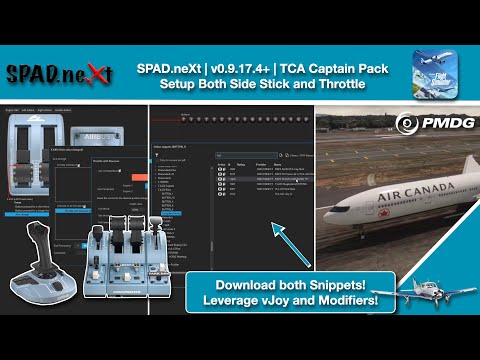 Thrustmaster TCA Airbus Captain Pack and the PMDG 777
Use a vJoy to download any Device Snippet ! Using vJoy as a "clipboard" we can download a Device snippet to the vJoy then copy events to a different device type!
Example in this video we will Download a Bravo Setup to load onto a TCA Boeing Throttle!!
 https://youtu.be/oHp8IPEFu1I